
Playmate Haptic Relay
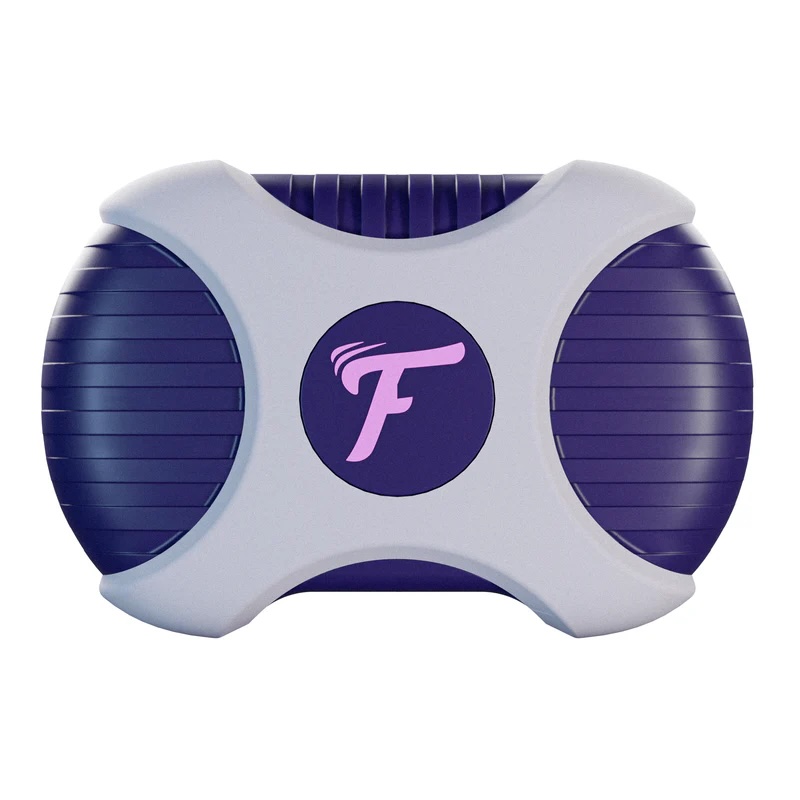
The Playmate is not a standalone device — it is an accessory that connects your gaming controller to compatible Motorbunny and Fluffer devices. It relays haptic feedback and accelerometer data from game controllers to your device in real time.
Specs
Spec | Value |
|---|---|
Connectivity | Bluetooth + universal USB-C dongle |
Compatible controllers | Any USB-C-ready game controller |
Multi-device support | Up to 6 toys simultaneously |
Patent | US12056283B1 |
What the Playmate does
Haptic relay — controller vibration events (rumble) are forwarded to your connected devices, so game action drives your device
Tilt/IMU control — the Playmate contains a built-in accelerometer; tilting the Playmate drives device intensity in Gaming Mode
Multi-device — connect up to 6 Fluffer or Motorbunny devices simultaneously and all receive the same signals
Using the Playmate with Fluffer
Pair the Playmate to Fluffer via the Devices tab (scan and connect)
The Playmate appears alongside your primary device in the device list
Connect your game controller to the Playmate via the USB-C dongle
Enable Gaming Mode in the Controller tab for tilt-based control

The Playmate itself does not vibrate. It is a relay device that passes signals from your game controller to other devices.
Last updated in v1.3.0