
Calibrating the Playmate
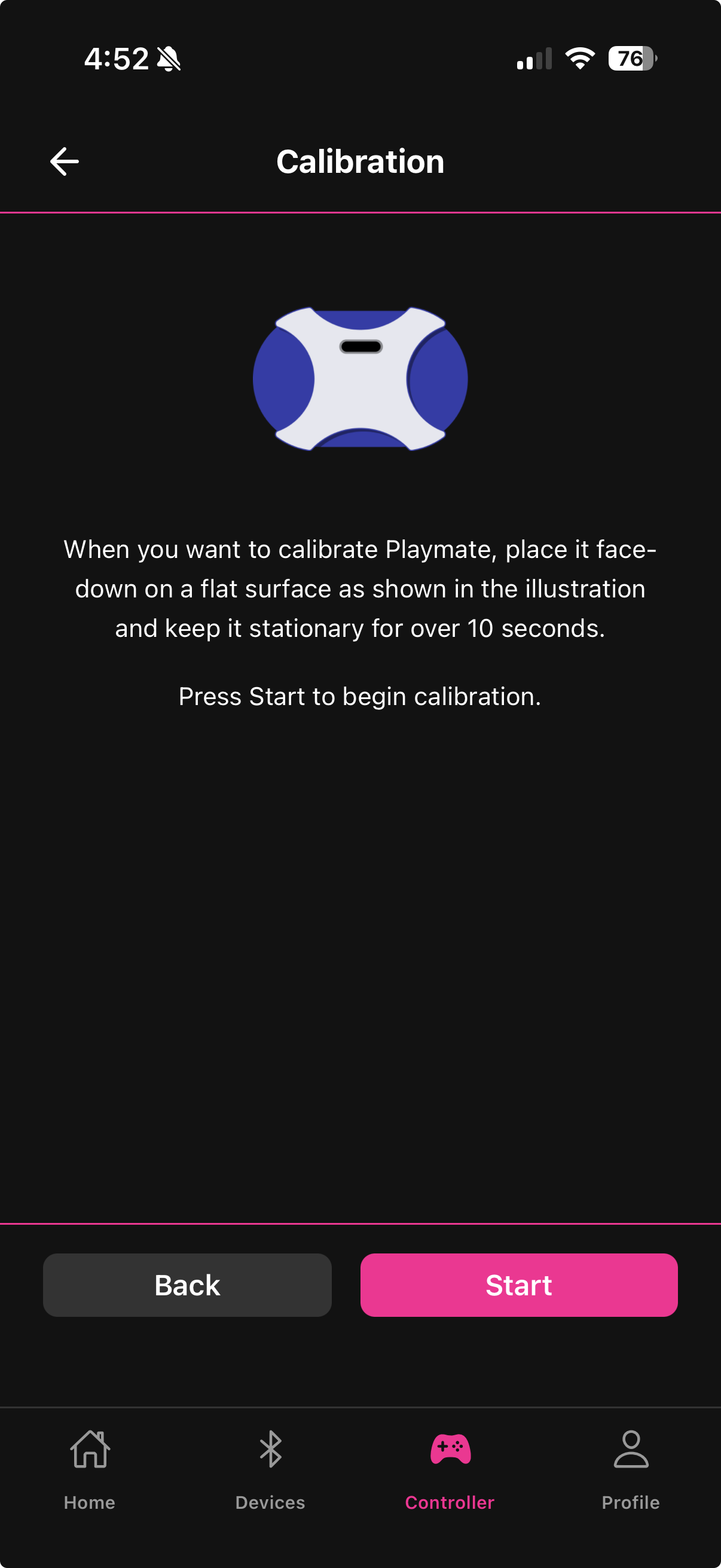
Calibration establishes the Playmate's true zero point — a precise hardware baseline that all tilt and motion calculations are measured against. Without it, the Playmate's sense of "level" may be slightly off, causing the device to run at a low level even when you are holding the Playmate still, or making tilt responses feel asymmetric.
When to calibrate
First time you use the Playmate — always calibrate before your first Gaming Mode session
After the Playmate has been transported — physical handling can shift the IMU baseline
If the device runs at low output when the Playmate is at rest — a drifting baseline is the most common cause
If tilt response feels uneven — one direction producing more output than the other at the same tilt angle
You only need to calibrate occasionally, not before every session.
How to calibrate
Access the Calibration screen from the Calibrate button in the Gaming Mode header.
Place the Playmate face-down on a flat, stable surface — a table or floor works well. The surface must be level. Do not hold it in your hand during calibration.
Make sure the Playmate is completely still — do not bump the table or move the device
Tap Start
Wait 10 seconds without moving the Playmate — the screen shows "Calibrating... Please wait 10 seconds"
The screen automatically returns to Gaming Mode when calibration is complete
The entire process takes 10 seconds. There is no confirmation dialog — the auto-return is the signal that it finished successfully.
If calibration does not seem to help
If after calibration the device still runs at low intensity when the Playmate is at rest:
Check the Neutral Angle parameter in Sensitivity Settings — it may need adjustment for your holding position
Check the Dead Zone — raising it filters out residual noise that survives calibration
Ensure the Playmate's firmware is up to date (check the Devices tab for available updates)

Do not touch or move the Playmate during the 10-second calibration window. Movement during calibration sets an inaccurate baseline and will make tilt control worse, not better. If you accidentally moved it, run calibration again from the start.
Last updated in v1.3.0