
Control Source Mix
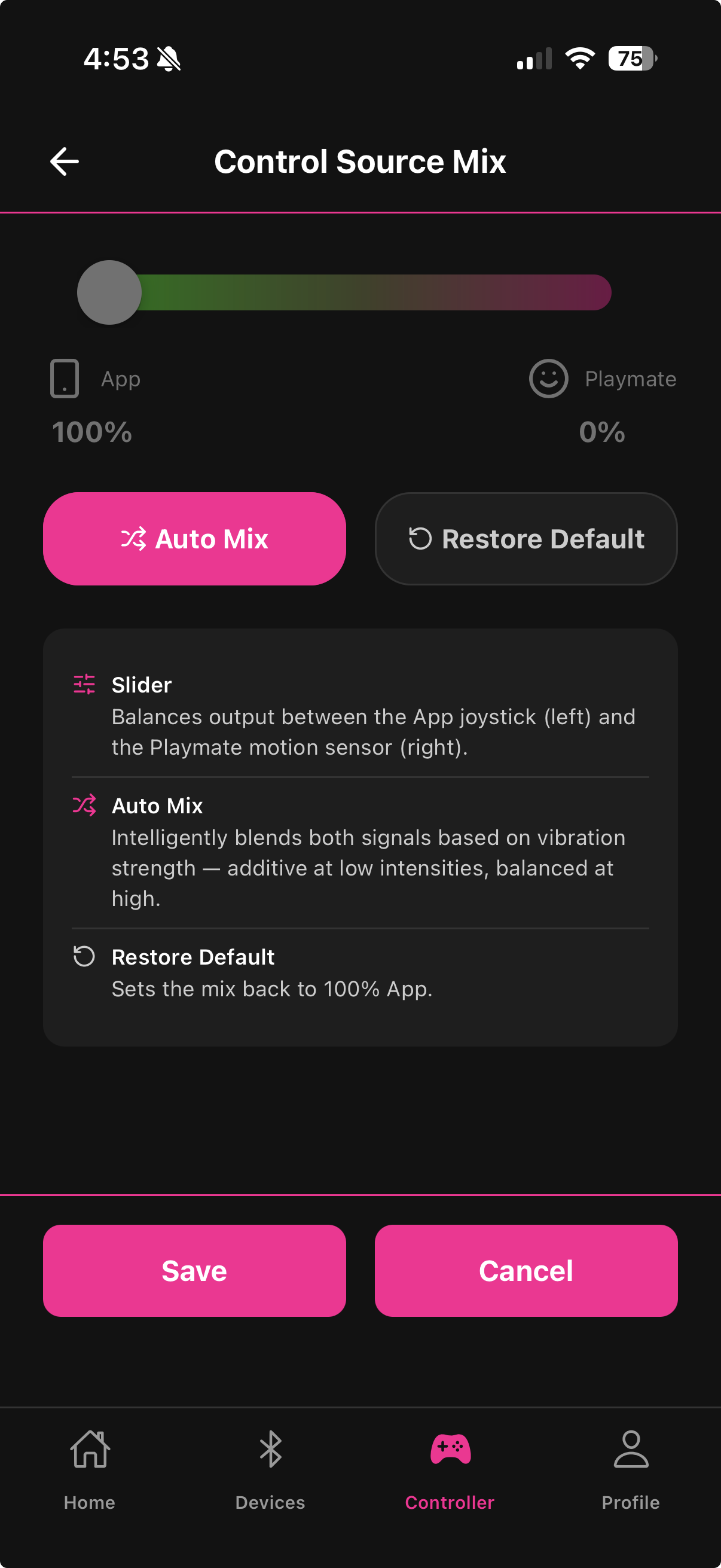
The Control Source Mix screen (tap Mix in the Gaming Mode header) lets you blend two sources of motor control: the app joystick on the Controller screen, and the Playmate motion sensor. The slider determines how much of each source drives your device.
The slider
The slider runs from left (100% App) to right (100% Playmate):
Full left (0% Playmate, 100% App) — the default. Your device responds entirely to the joystick on the Controller screen. The Playmate provides no direct motor input.
Full right (100% Playmate, 0% App) — the device responds entirely to Playmate motion. The joystick has no effect.
Anywhere in between — both sources contribute. At 50/50, each source provides half the output and their signals are added together.
The gradient on the slider track visualizes the mix — green on the left (App), shifting to magenta on the right (Playmate).
Auto Mix
Tap Auto Mix to let Fluffer blend the two signals intelligently based on intensity level:
At low intensities — both signals are added together, boosting each other for a more responsive feel
At high intensities — the signals are balanced to prevent saturation and avoid pushing the motor past its ceiling
Auto Mix is ideal when you want the Playmate's responsiveness at lower intensities while the joystick adds a stable floor, without either source driving the device into a hard ceiling. When Auto Mix is active the manual slider is disabled.
Restore Default
Tap Restore Default to return to 100% App, 0% Playmate. This is the setting for normal joystick-only use.
Practical use cases
Gaming only (Playmate drives everything) — slide fully right. Your device responds entirely to what the Playmate's game controller detects. The joystick is a fallback only.
Supplement a live session — slide partially right (20–40% Playmate). The joystick remains your primary control for deliberate intensity changes, but Playmate motion adds organic variation on top.
Auto Mix for streaming — enables natural variability without needing to constantly adjust the joystick manually.
Your setting is saved automatically and persists between sessions.
Last updated in v1.3.0