
Pattern Playback
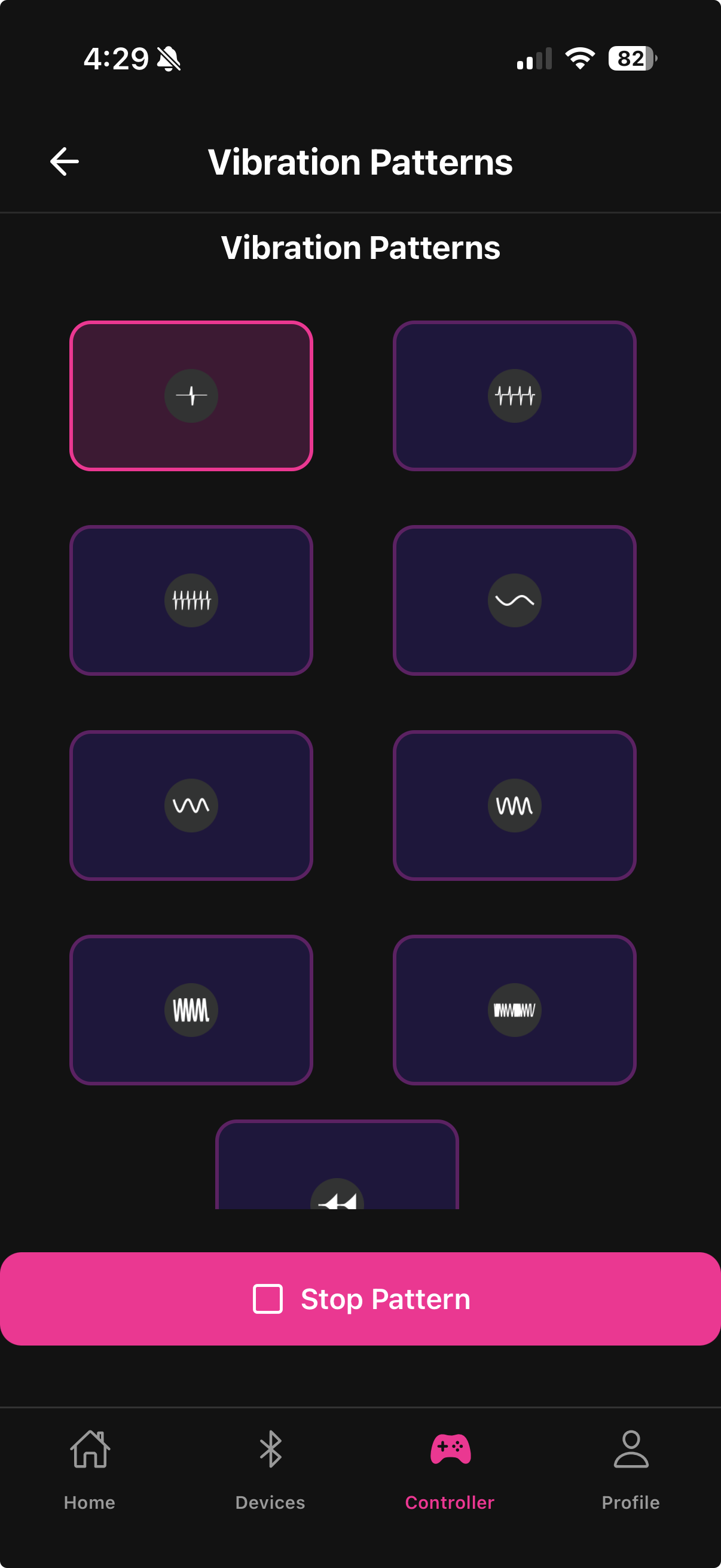
Pattern Playback lets you run pre-built and custom vibration sequences on your device. You can queue one vibration pattern and one rotation/thrust pattern to play at the same time.
Pattern types
Built-in buzz patterns — a library of pre-made vibration waveforms included in the app. These cover common styles: steady pulses, escalating waves, rhythmic bursts, and slow sweeps.
Built-in twirl patterns — pre-made sequences for the rotation or thrust motor. Designed to complement the buzz patterns or stand alone.
Custom patterns — any pattern you drew in the Draw a Pattern screen appears here alongside the built-ins.
Playing a pattern
Open the Pattern Playback screen from the Controller tab
Tap a Buzz pattern to assign it to the vibration motor
Tap a Twirl pattern to assign it to the rotation motor
Tap Play to start both simultaneously
Both motors play their assigned pattern at the same time. You can mix any buzz pattern with any twirl pattern.
Intensity control during playback
While a pattern is playing, the intensity slider on the Pattern Playback screen scales the overall output level. Drag it up or down to make the pattern more or less intense without stopping playback.
Stopping playback
Tap Stop to stop both motors immediately. You can switch patterns without stopping — selecting a new pattern while one is playing queues the new one to start at the next cycle.

Custom patterns created on another device are available after they sync to your account. Guest-mode patterns are local only and do not sync.
Last updated in v1.3.0