
Using the Joystick
The joystick is the primary way to control your device's intensity in real time. Press and drag it to set the output level.
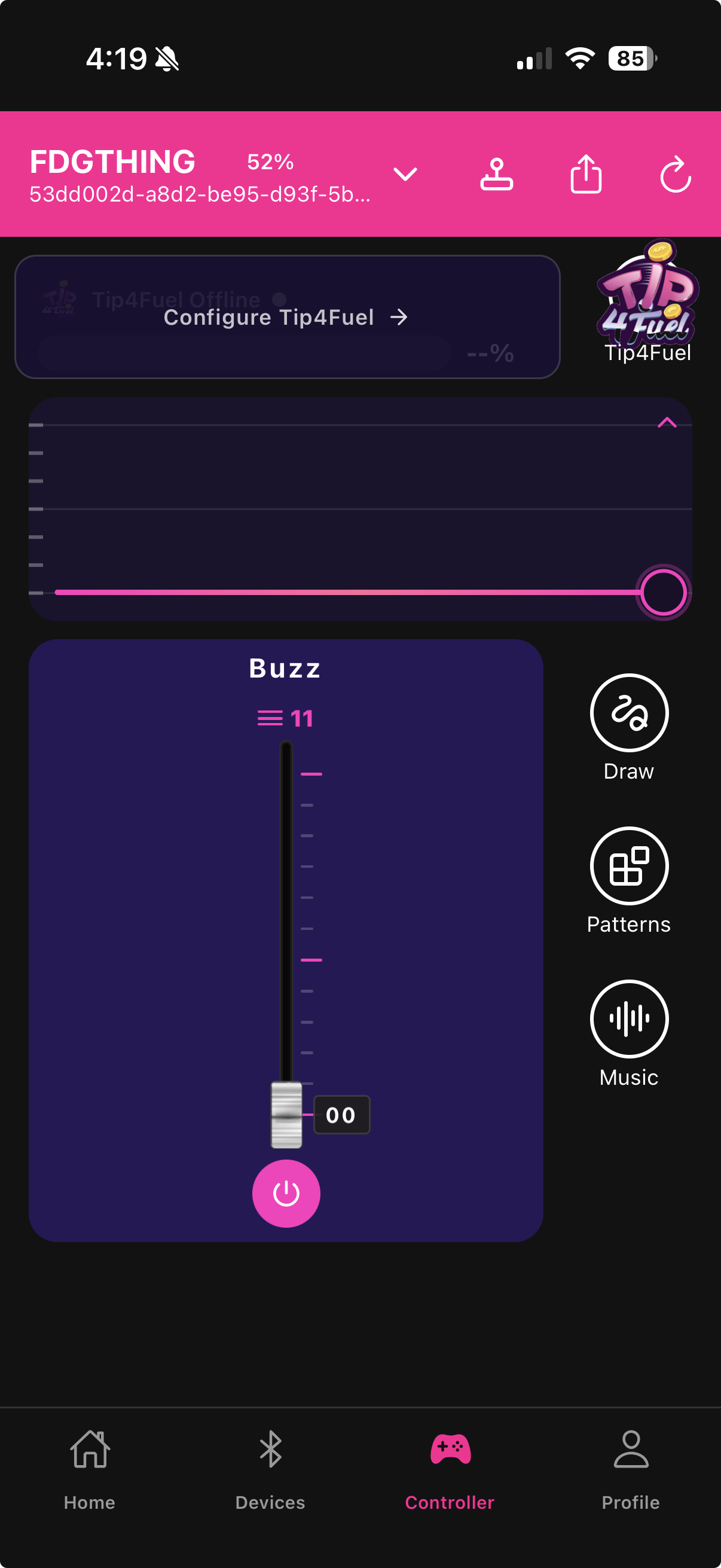
Dragging to set intensity
Touch and hold the joystick, then drag it toward the outer ring. The further from center, the higher the intensity. Release to hold at that level. Drag back toward center to reduce intensity.
The waveform ring around the joystick reflects the current output level — it pulses faster and wider at higher intensities.
Mono vs. bidirectional modes
Depending on your device, the joystick operates in one of two modes:
Mono (0–100%) — vibration-only devices. Dragging in any direction increases intensity from zero. The full range is 0% at center to 100% at the outer ring.
Bidirectional (–100% to +100%) — devices with both vibration and rotation. Dragging up increases vibration intensity, dragging down increases rotation intensity. The center position stops both motors. This lets you mix vibration and rotation in a single drag gesture.
Burn Mode
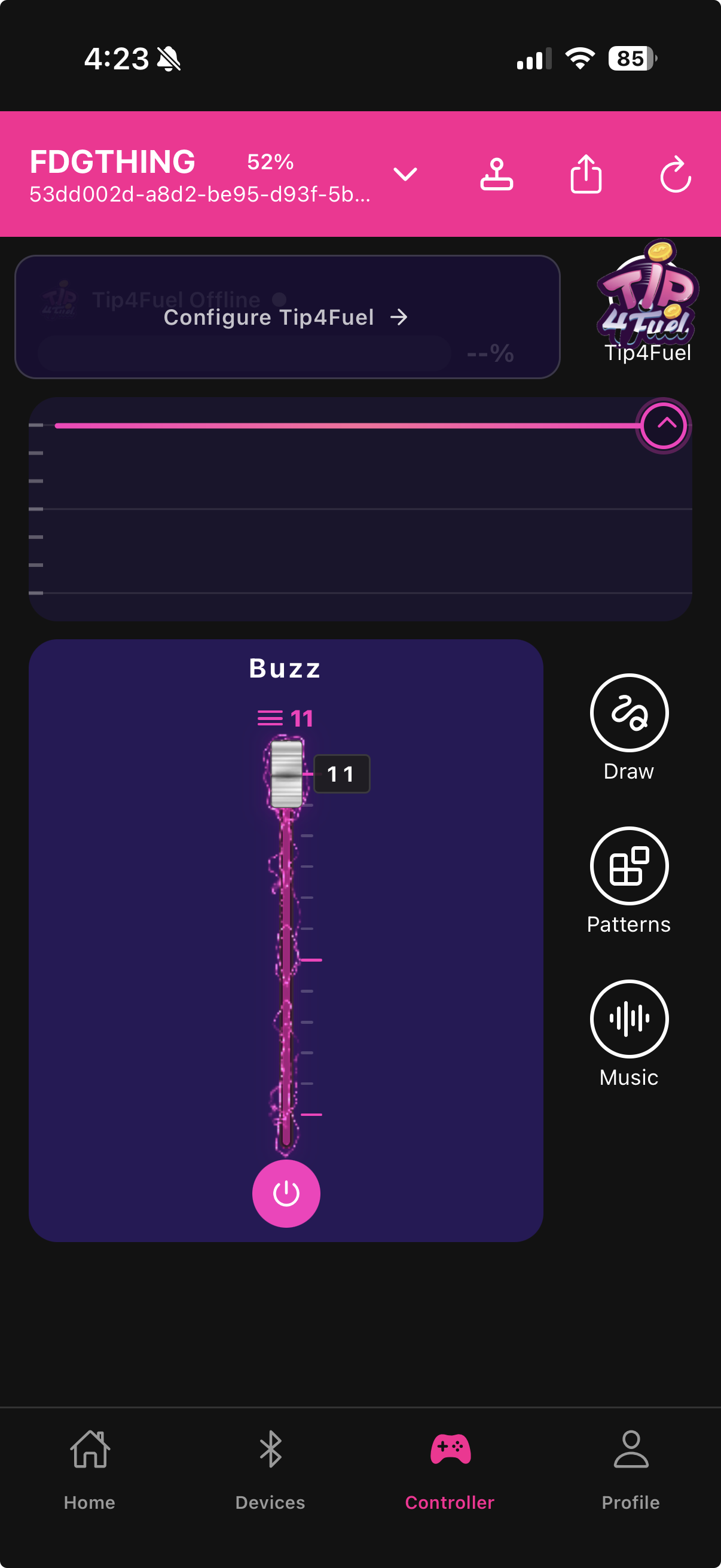
When intensity reaches approximately 90%, the joystick enters Burn Mode. The UI shows a visual glow or animation to indicate you are in the high-intensity zone. Burn Mode is cosmetic — it signals that you are near maximum output so you can hold or reduce if needed.
Motor toggles and the joystick
The motor toggle buttons work alongside the joystick. If you have the rotation motor toggled off, dragging the joystick into the rotation range has no effect. Toggle a motor back on to reactivate it.

For a gradual build-up, start with the joystick near center and slowly drag outward over several seconds rather than jumping to full intensity.
Last updated in v1.3.0