
Creating Your Account
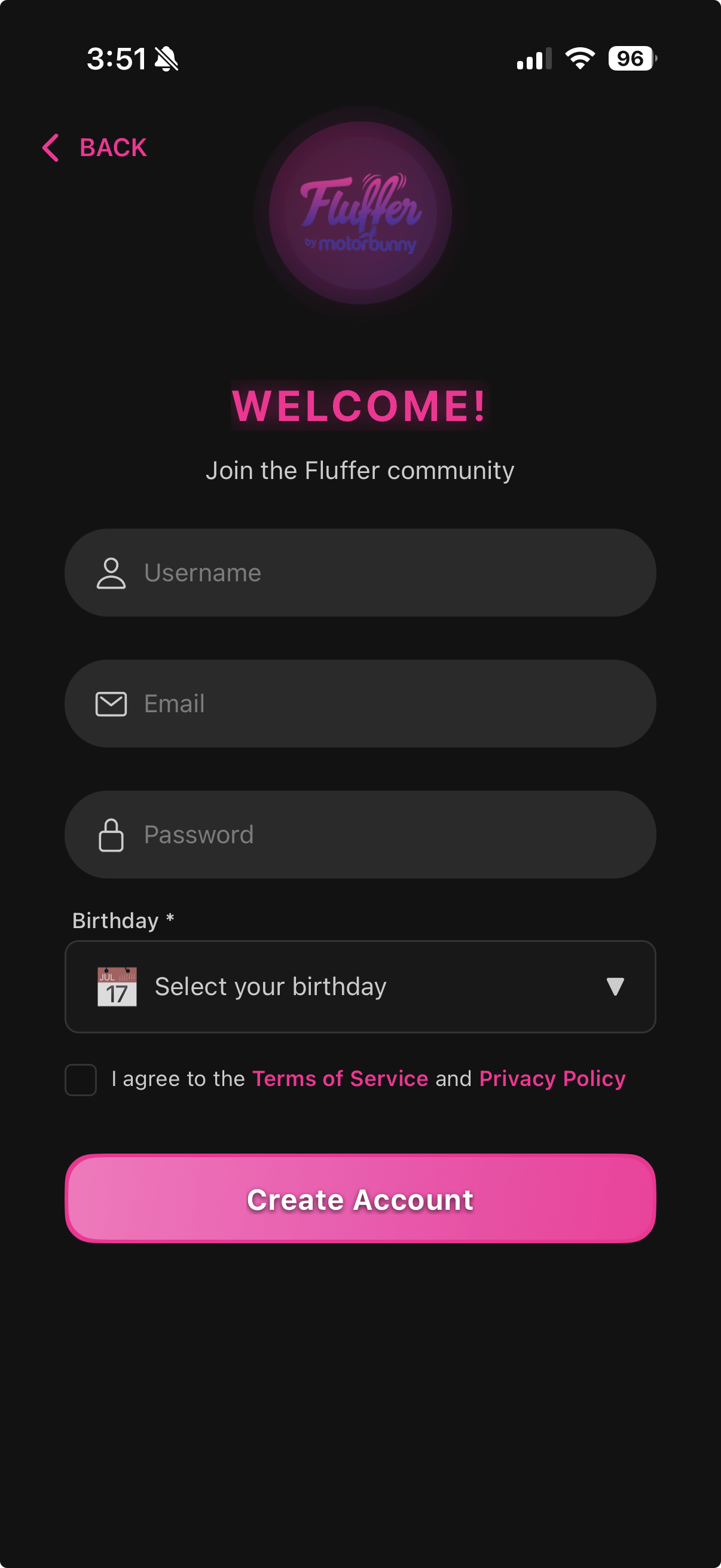
A Fluffer account saves your patterns and analytics across devices. You can sign up with an email address or use Apple or Google.
Sign up with email
Open Fluffer and tap Sign Up
Enter your name, email address, and a password
Optionally enter your birthday (month and day) — this is used for age verification
Tap Create Account
Check your email for a verification link and tap it to confirm
Sign up with Apple
Tap Continue with Apple on the Welcome screen
Authenticate with Face ID, Touch ID, or your Apple password
Choose whether to share or hide your email — Fluffer works either way
Your account is created automatically
Sign up with Google
Tap Continue with Google
Select your Google account and approve the sign-in prompt
Your account is created automatically
Already have an account?
Tap Sign In on the Welcome screen instead of Sign Up, then enter your email and password. For social login, tap the same Apple or Google button you used to register.

If you forget your password, tap Forgot Password on the login screen. A reset link will be sent to your email.
Last updated in v1.3.0