
Guest Mode
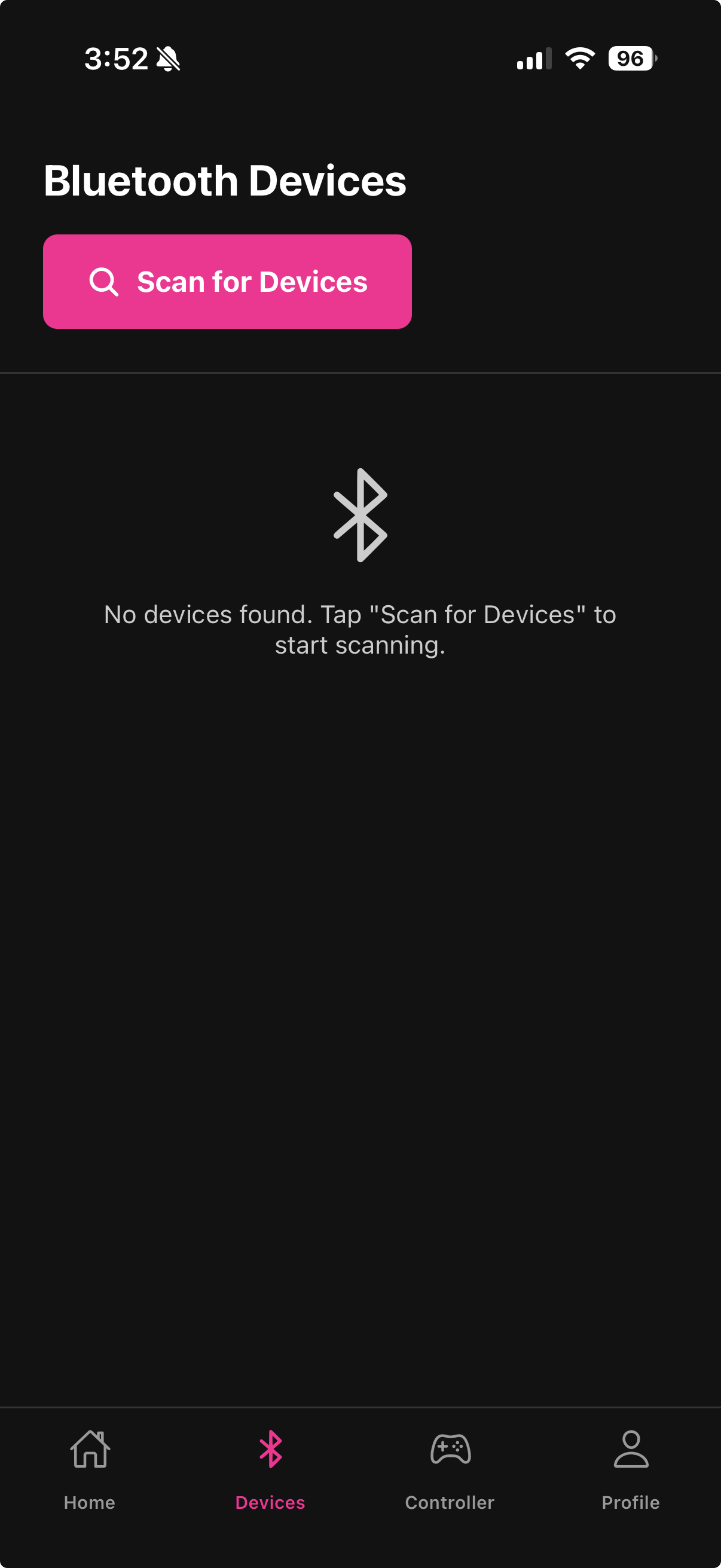
You can use Fluffer without creating an account by continuing as a guest. Guest mode gives you access to the core features but has some limitations.
What works in guest mode
Connecting and controlling Bluetooth devices
Using the joystick, all vibration modes, and Music Mode
Playing games
Drawing and saving custom patterns — saved locally on your phone only
Using Tip4Fuel (Chaturbate token is saved locally)
What requires an account
Pattern sync — patterns saved as a guest are on your phone only and are lost if you reinstall the app
Tip4Fuel analytics — session history and tip totals are only tracked for registered users
Remote sharing — requires a registered account to generate share links
Upgrading from guest to a full account
You can create a full account at any time from the Profile tab:
Tap the Profile tab
Tap Sign Up or the account prompt at the top
Complete the sign-up flow

Patterns created in guest mode are stored only on your device. They will not automatically transfer to your new account. Save any patterns you want to keep before creating an account.
Last updated in v1.3.0