
Max Power Level
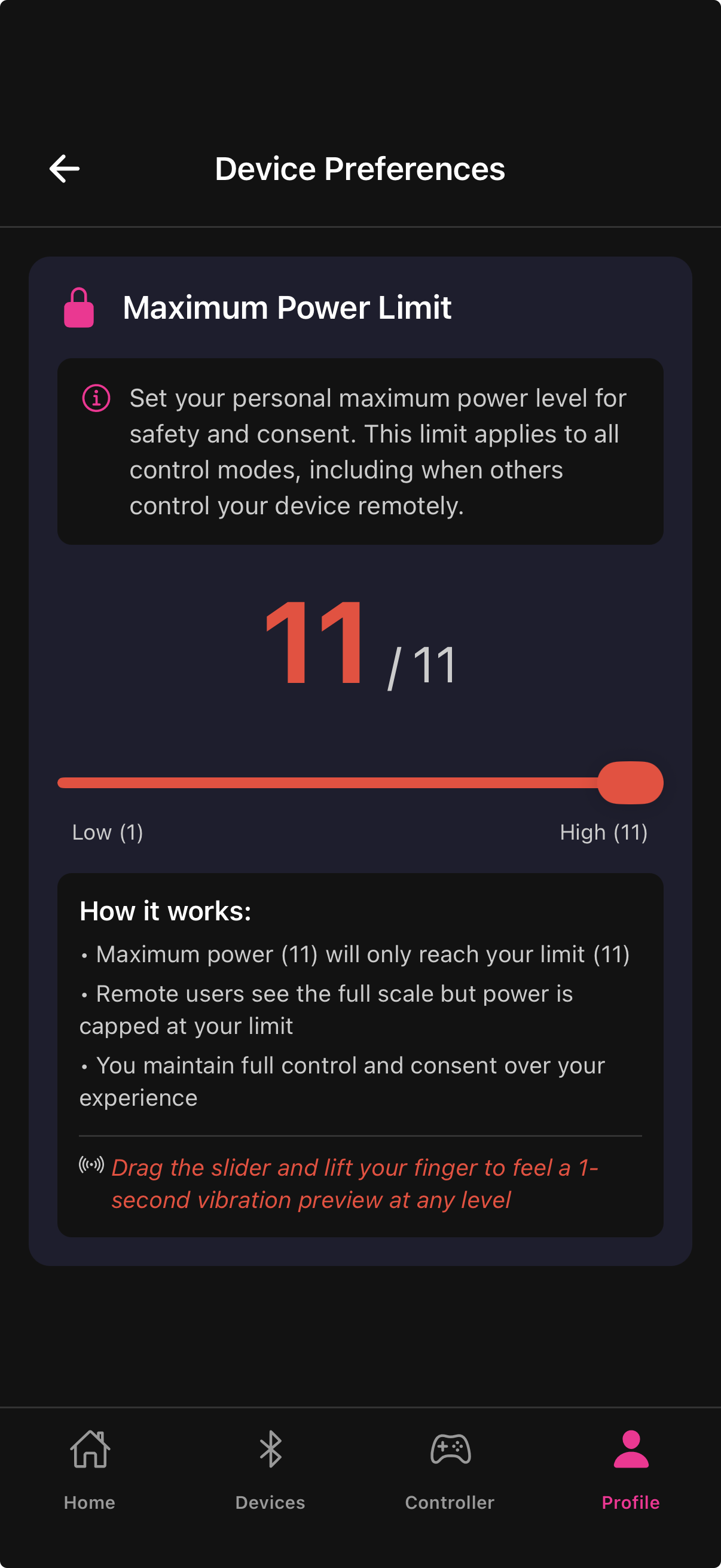
The Device Preferences screen lets you cap the maximum output your device can reach, regardless of how you control it. These caps apply across all modes — manual joystick, Music Mode, Tip4Fuel, Gaming Mode, and pattern playback.
Where to find it
Profile → Device Preferences
Max Power Level
Controls the primary vibration motor. The slider goes from 0 to 11. At 11 (the default), there is no cap — the device runs at full power when driven to maximum. At lower values, the device's top output is reduced proportionally.
For example, at a setting of 6, the device's output ceiling is approximately 54% of its hardware maximum. Even if the joystick is dragged to 100%, the device never exceeds that cap.
Drag the slider to your desired level, then tap Preview to send a short vibration at that setting so you can feel the cap before your session.
Secondary motor cap (Twirl / Thrust)
If your connected device has a second motor, a second slider automatically appears. The label matches your device: Twirl for devices with a rotation motor (such as MBO), or Thrust for the MB Controller.
This slider works identically to the main cap but applies only to the secondary motor. Setting it independently lets you balance vibration and rotation to your preference without affecting primary motor output.
Tap Preview next to the secondary slider to test that motor at the current cap level.
When to use a lower cap
Starting a new session and wanting to ease in before committing to full power
Streaming on Chaturbate and wanting to ensure Tip4Fuel cannot drive the device beyond a comfortable ceiling
Sharing a device with someone who prefers lower intensities
Dialing back twirl or thrust independently while keeping vibration at full strength
Changing the cap mid-session
You can update either cap at any time — even during an active session. The new cap applies immediately to all subsequent motor output.

Set a cap slightly above your usual intensity range so you have headroom without going to true maximum unexpectedly.
Last updated in v1.3.0